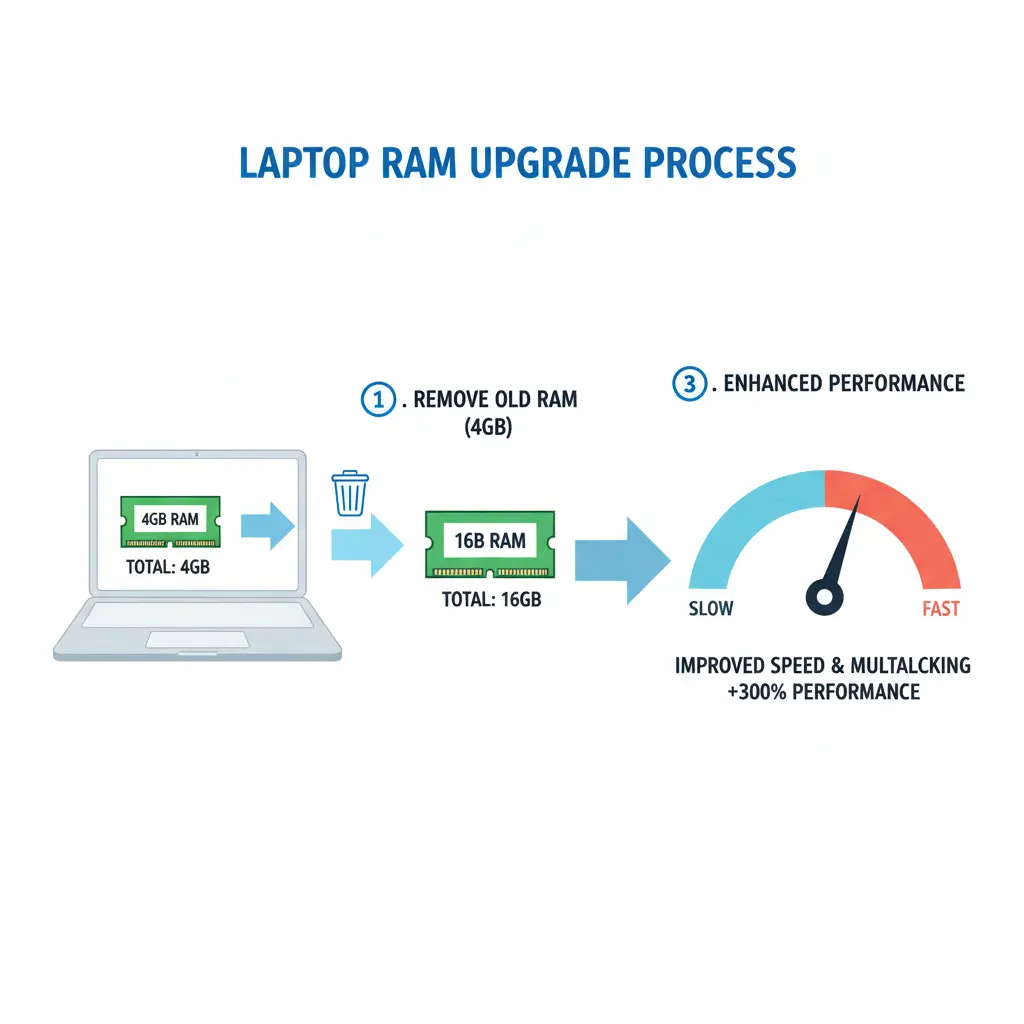
How Can I Upgrade My Laptop RAM from 4GB to 16GB:
If you’re wondering, can I upgrade my laptop RAM from 4GB to 16GB? The answer is yes. Most laptops support it, depending on their hardware. Upgrading your RAM can make your system faster, smoother, and more efficient for multitasking. Many modern models, such as the HP Laptop i5 8th Generation with 8GB RAM and 256GB SSD, allow for expansion up to 16GB or more. In this guide, you’ll learn how to check compatibility, what benefits to expect, and the simple steps to upgrade your laptop’s memory safely.
How to Check If You Can Upgrade Your Laptop RAM:
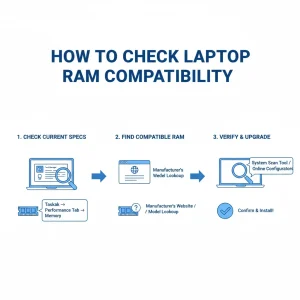
Before buying new memory, you need to know whether your laptop supports 16 GB of RAM.
Here’s how you can check it easily:
- Check your system information: On Windows, navigate to Task Manager, then select Performance and choose Memory. You’ll see how many RAM slots are available.
- Visit the manufacturer’s website: Search your laptop model to confirm the maximum RAM capacity it supports.
- Use tools like CPU-Z or Crucial Advisor: These tools scan your system and show compatible RAM options.
Benefits of Upgrading from 4GB to 16GB RAM:
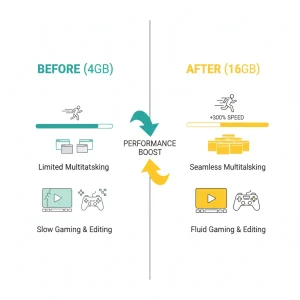
Upgrading from 4GB to 16GB RAM can significantly improve your laptop’s performance.
Here’s what changes you’ll notice:
- Faster multitasking: You can open more browser tabs and applications without lag.
- Better performance in editing or gaming: RAM helps handle large files and heavy software.
- Longer device lifespan: Instead of buying a new laptop, upgrading RAM gives your current one a fresh boost.
How to Upgrade Laptop RAM Step by Step:

- Buy the right RAM type: Make sure it matches your system’s DDR generation (DDR3, DDR4, or DDR5).
- Power off your laptop: Unplug it and remove the battery if possible.
- Open the back panel carefully: Locate the RAM slots.
- Remove the old RAM (if needed): Gently release the clips holding it.
- Insert the new RAM: Align it with the slot and press down until it clicks.
- Reassemble and restart: Boot your system and check the new memory in your system info.
Common Mistakes to Avoid When Upgrading RAM:
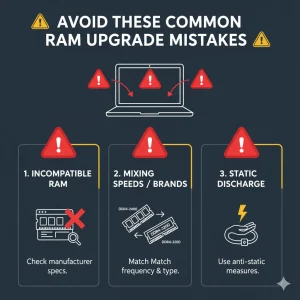
- You are installing an incompatible RAM type. Please check the DDR version.
- It is important to avoid mixing different RAM speeds or brands.
- The system is ignoring the maximum supported limit for your laptop model.
FAQs:
Can I upgrade my laptop’s RAM from 4GB to 16GB by myself?
Yes, you can just follow your laptop’s manual or a YouTube guide for your exact model.
What is the cost of upgrading a laptop’s RAM to 16 GB?
Prices typically range from $40 to $80, depending on the brand and type.
Will upgrading RAM improve gaming performance?
Yes, if your system has a decent CPU and SSD, extra RAM can reduce stutters and improve load times.
Is 16GB RAM worth it for everyday use?
Definitely. It’s ideal for smooth multitasking, Chrome tabs, and productivity apps.