Best Graphics Card for Gaming Laptop:
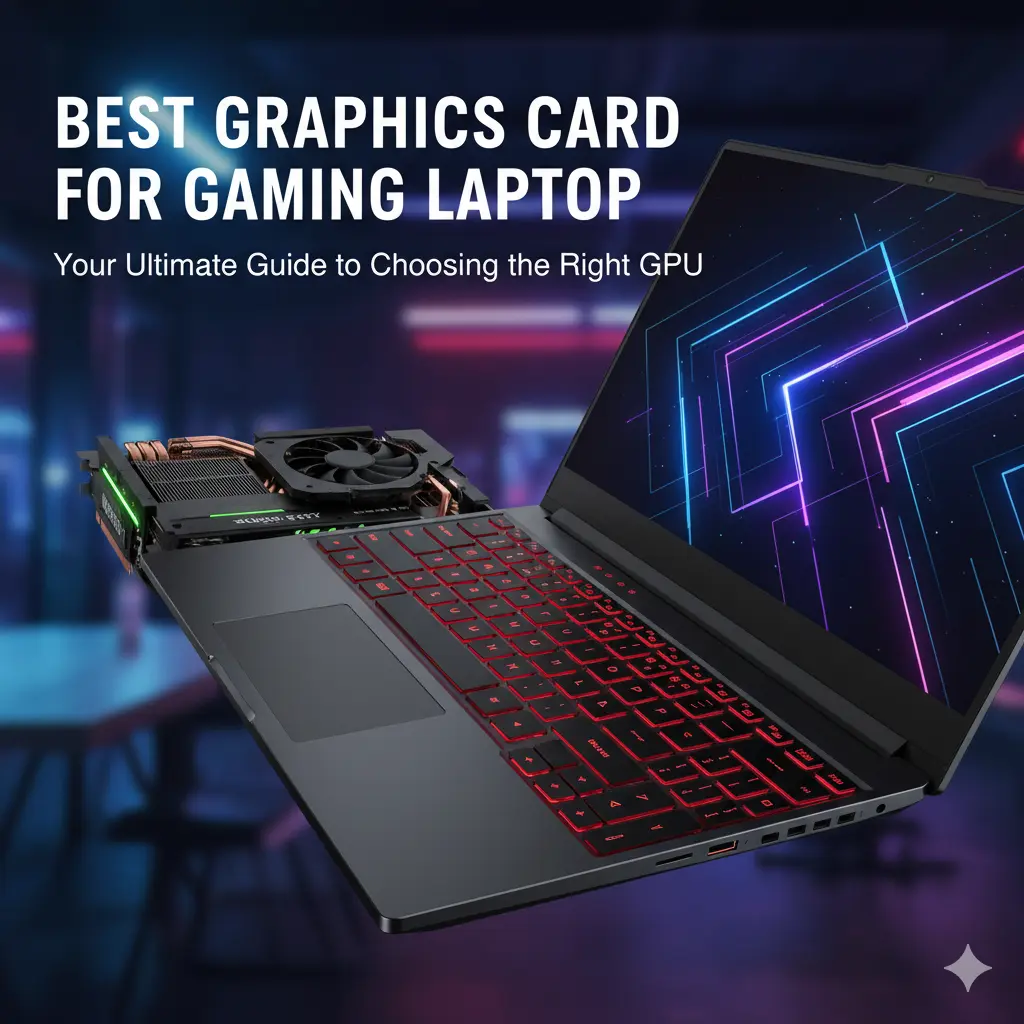
When shopping for a gaming laptop, one of the key factors that will define your experience is the graphics card. The best graphics card for a gaming laptop ensures stunning visuals, smooth gameplay, and high frame rates. If you’re also considering which processor to pair with your GPU, refer to our detailed guide, “Which Processor is Best: Intel or Ryzen?“, to make an informed decision.
Why the Best Graphics Card for a Gaming Laptop is Crucial for Your Gaming Experience:
A gaming laptop without a strong graphics card is like a car without an engine; it just doesn’t perform well. The best graphics card for a gaming laptop delivers high-resolution visuals, smooth frame rates, and a dynamic gaming experience. The better the GPU, the better the overall gaming experience, whether you’re battling it out in Cyberpunk 2077 or creating high-fidelity 3D designs.
How Does a Graphics Card Impact Your Gaming?
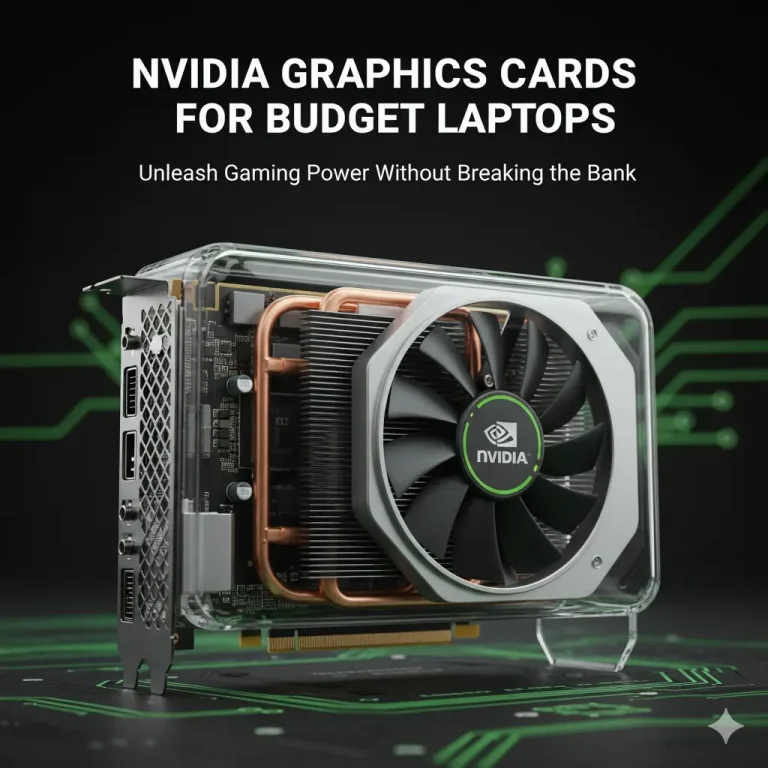
The graphics card (GPU) processes visual data and renders it on your screen. A powerful GPU helps achieve higher frame rates, reduces screen tearing, and enables stunning features like ray tracing, which enhances the effects of light and shadows. Choosing the right GPU allows you to run games at their highest settings without lag or stuttering.
How to Choose the Best Graphics Card for a Gaming Laptop:
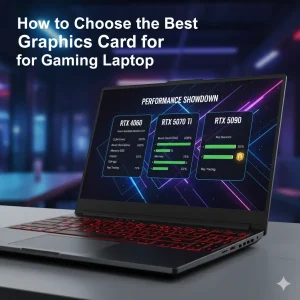
Selecting the best graphics card for a gaming laptop involves striking a balance between your performance needs, budget, and future-proofing requirements. Here’s how to make the best choice:
Key Considerations Before You Buy:
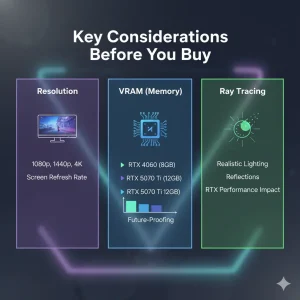
- Resolution and Frame Rate: If you plan on gaming at 1080p, an RTX 4060 may suffice. For 4K gaming, you’ll want something like the RTX 5090.
- VRAM (Video Random Access Memory): A GPU with 8GB of VRAM is generally recommended for 1080p gaming. For higher resolutions, such as 1440p or 4K, aim for 12GB or more of VRAM.
- Ray Tracing and DLSS: Look for GPUs that support Ray Tracing and DLSS (Deep Learning Super Sampling), which optimize performance while maintaining visual quality.
Best Graphics Cards for Gaming Laptops:
Here are some of the best graphics cards for gaming laptops available in 2025, ranging from budget-friendly to top-tier options:
NVIDIA GeForce RTX 5090 Laptop GPU:
- Best for: 4K gaming and intensive creative tasks.
- VRAM: 16GB
- Features: Ray tracing, DLSS 4
- Price: Premium
- Example Laptop: ASUS ROG Strix Scar 18
NVIDIA GeForce RTX 5070 Ti Laptop GPU:
- Best For: 1440p gaming, multitasking
- VRAM: 12GB
- Features: DLSS 4, high performance
- Price: Mid-range
- Example Laptop: MSI Vector 16
NVIDIA GeForce RTX 4060 Laptop GPU:
- Best For: Entry-level 1080p gaming
- VRAM: 8GB
- Features: DLSS 3 support, solid performance
- Price: Budget-friendly
- Example Laptop: ASUS TUF A15
Avoid These Common Mistakes with the Best Graphics Card for Gaming Laptop:
When buying a GPU for your gaming laptop, avoid these common mistakes to ensure optimal performance:
- Ignoring Cooling Systems: High-end GPUs require a powerful cooling system to prevent overheating. Ensure the laptop has sufficient cooling features to handle the GPU’s power.
- Choosing a GPU That’s Not Future-Proof: Gaming technology evolves rapidly. A GPU that struggles with current games might not be sufficient for future titles. Opt for a GPU that will last for several years.
FAQs:
Could you please clarify which graphics card is considered the best for a gaming laptop?
The best graphics card for a gaming laptop is a GPU that provides high performance, fast frame rates, and excellent visuals for gaming.
How does the Best Graphics Card for Gaming Laptop work in 4K gaming?
In 4K gaming, a high-performance GPU like the RTX 5090 ensures smooth gameplay with ultra-high-resolution visuals and advanced features, such as ray tracing.
What are the benefits of the Best Graphics Card for Gaming laptops for competitive gamers?
The best graphics card enables competitive gamers to achieve high frame rates and low latency, giving them a competitive edge in fast-paced games.
How do I effectively implement the Best Graphics cards for Gaming laptops?
To maximize your GPU’s performance, ensure your laptop has an adequate cooling system, adjust in-game settings, and keep drivers up to date.
What mistakes should I avoid with the Best Graphics Card for a Gaming Laptop?
Avoid selecting a GPU that doesn’t match your gaming needs, ignoring cooling requirements, and purchasing a GPU that isn’t future-proof.