Chromebook vs Laptop for Students:
When it comes to choosing the best device for students, Chromebook vs laptop is a common debate. In this article, we’ll compare Chromebooks and laptops for students, examining their pros and cons, performance for high school students and college students, and the key differences between the two devices.
Chromebook vs Laptop for Students Which One is Better?
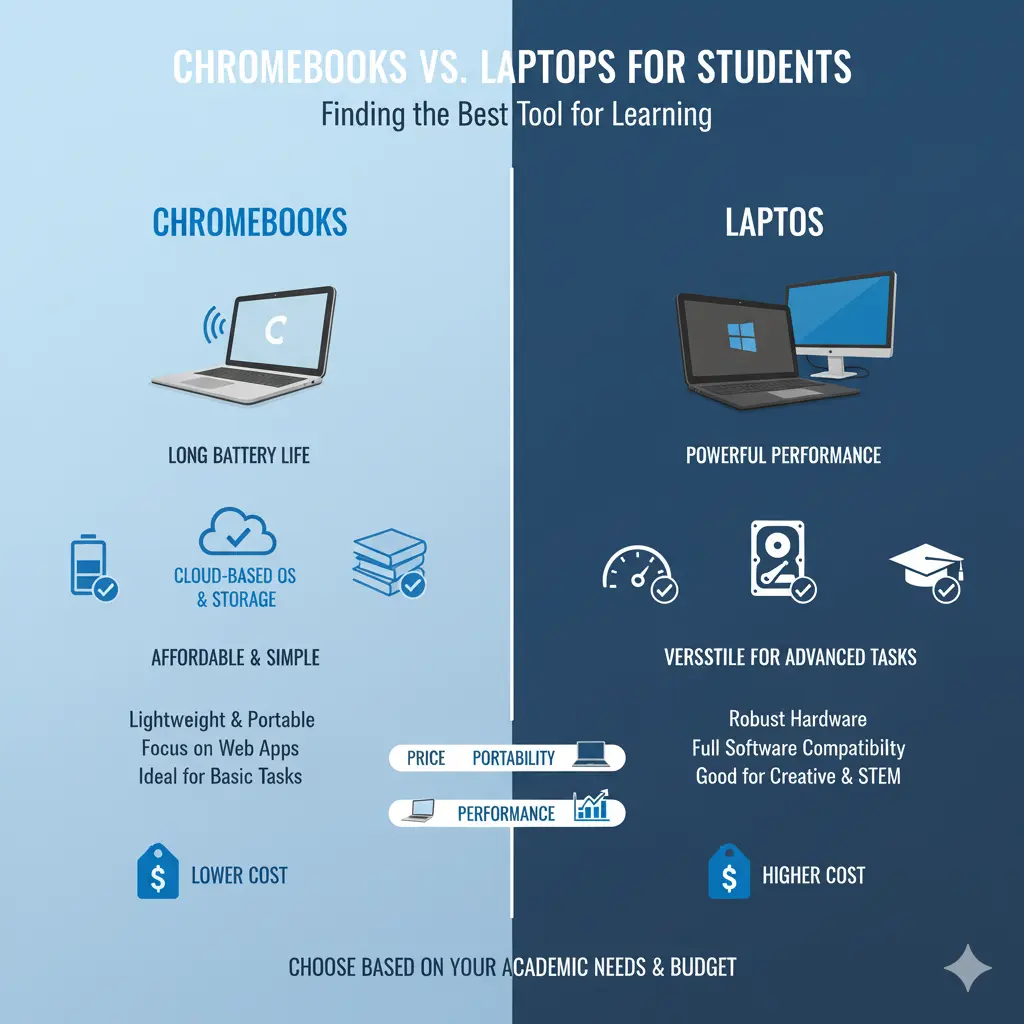
When choosing between a Chromebook vs laptop for students, it’s important to consider factors like performance, battery life, cost, and portability. Chromebooks are often considered a more affordable, lightweight choice for students, while laptops generally offer greater performance and versatility for tasks like gaming, graphic design, or complex software usage.
Chromebook vs Laptop for Students: Pros and Cons
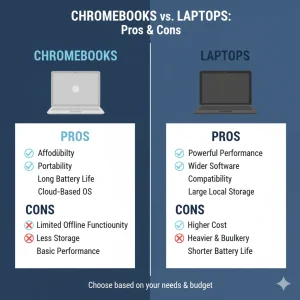
Chromebook Pros:
- Affordable: Chromebooks are often less expensive than laptops, making them a great option for students on a budget.
- Long Battery Life: With cloud-based software, Chromebooks generally offer longer battery life compared to traditional laptops.
- Lightweight & Portable: Chromebooks are typically more portable, which is perfect for students who need to carry their device from class to class.
Chromebook Cons:
- Limited Software: While web-based apps are great for everyday tasks, Chromebooks struggle to run heavy-duty programs like those used for graphic design or video editing.
- Restricted Storage: Chromebooks come with limited internal storage, which could be a drawback if students need more space for files or software.
Laptop Pros:
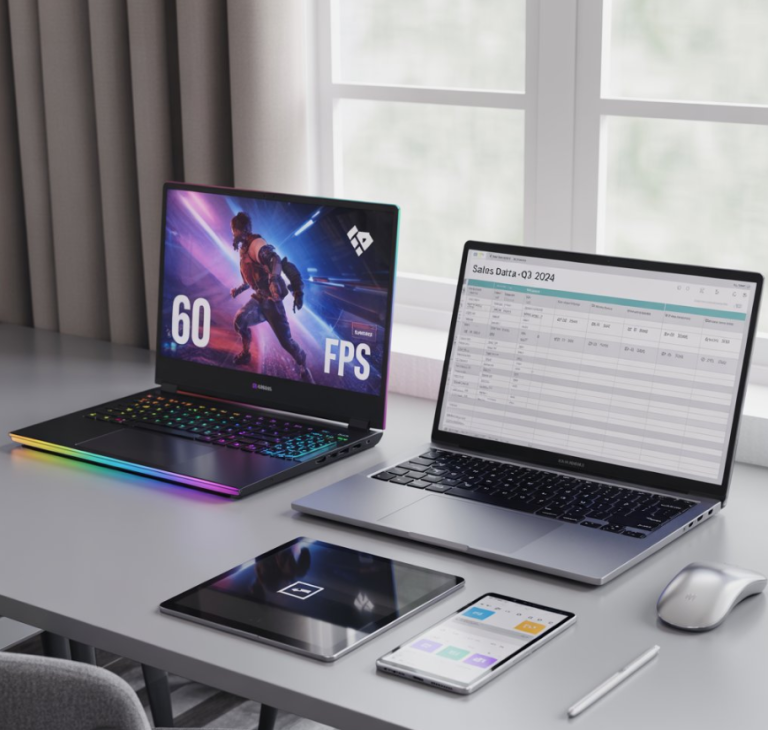
- Better Performance: Laptops offer more powerful processors, making them ideal for tasks requiring higher performance, such as video editing or gaming.
- Wider Software Compatibility: Laptops can run a wide variety of applications, including desktop software for word processing, graphic design, and programming.
- More Storage: Laptops typically have more internal storage, allowing students the flexibility to store large files and install multiple programs.
Laptop Cons:
- Heavier: Laptops are generally heavier and bulkier, which can be less convenient for students who need to carry their devices around.
- Shorter Battery Life: Compared to Chromebooks, laptops tend to have shorter battery life, especially if running demanding software.
Chromebook vs Laptop for College Students:
For college students, the choice between a Chromebook vs laptop largely depends on their major and academic needs:
- Chromebooks are perfect for light tasks like note-taking, browsing the internet, and watching videos. They are ideal for students in fields like business or communication that don’t require heavy software.
- Laptops are a better option for students pursuing engineering, architecture, or other technical fields that require more robust applications like AutoCAD, MATLAB, or video editing software.
Are Chromebooks Good for High School Students?
Chromebooks can be an excellent choice for high school students who need a simple, reliable device for research, note-taking, and email. The low cost, long battery life, and lightweight nature of Chromebooks make them ideal for students who mainly need internet access and access to cloud-based apps like Google Docs.
What’s the Difference Between a Chromebook and a Laptop?
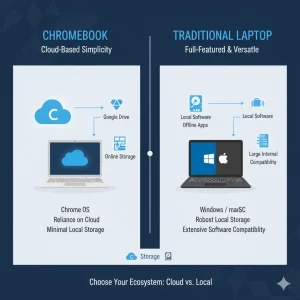
At their core, the primary difference between a Chromebook and a laptop is that Chromebooks run Chrome OS, which is a cloud-based operating system. This means that most apps and files are stored online. Laptops, on the other hand, typically run traditional operating systems like Windows or macOS, which allow them to run a wider variety of software and store files locally.
- Performance: Laptops generally possess superior hardware and are capable of running more complex software.
- Storage: Laptops come with more internal storage, whereas Chromebooks rely on cloud storage and have limited onboard storage.
Are Chromebooks Good for Students?
YesChromebooks can be excellent choices for students, especially for those who require a budget-friendly, lightweight, and secure device for everyday tasks. They work well for research, email, and basic productivity tasks such as word processing or spreadsheets. However, for students who need specialized software or greater processing power, laptops may be the better choice. If you’re interested in more comparisons between Chromebooks and other high-end devices, check out our article on Chromebook vs MacBook: Which One is Better? to explore the pros and cons of Chromebooks and MacBooks, which are two popular choices for students.
FAQs:
What’s the difference between a Chromebook and a laptop?
Chromebooks run Chrome OS and are mostly cloud-based, while laptops run more traditional operating systems like Windows or macOS, offering more software compatibility.
Are Chromebooks good for high school students?
Yes, Chromebooks are great for high school students because they provide a lightweight and affordable device suitable for research, note-taking, and cloud-based applications.
Which is better for college students, a Chromebook or Laptop?
For college students, laptops are generally better for demanding tasks, while Chromebooks are ideal for light tasks and internet-based applications.